Best Study Time Management Apps: Compare Studyplus, Shuchu, and Kotomil
More and more people are starting to manage their study time using apps.
These tools make it easy to record your efforts, review your progress later, and keep motivation high with visible results.
In this article, we’ll look at several popular study apps, comparing their key features and how to use them.
If you’re trying to improve your study habits or find a routine that works, this guide will help you choose the right one.
Studyplus
Studyplus is one of Japan’s most popular study apps, with over 8 million users.
It specializes in recording and visualizing study time across different subjects and materials.
Key Features
✔ Simple Study Recording
- Easily log study sessions and materials used.
- Track how long you studied each subject or book.
- Manage data by subject or textbook for easier review.
✔ Visualize Your Progress
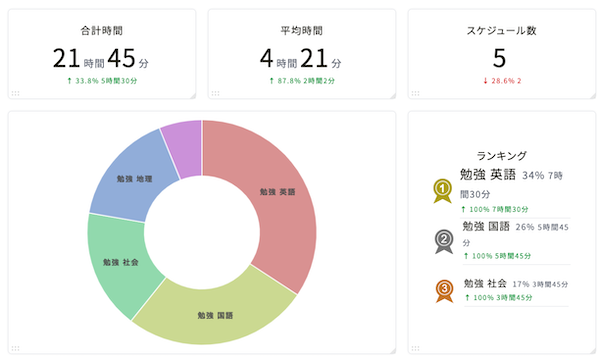
- Automatically summarizes study time by day, week, or month.
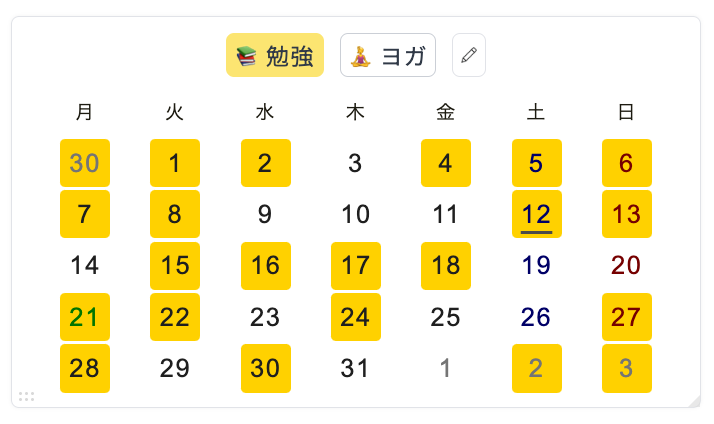
- Displays results in calendar and bar chart formats to show balance and consistency.
✔ Goal Setting & Progress Tracking
- Set goals such as “study 2 hours a day” and monitor progress visually.
- Manage time toward exams or specific deadlines.
✔ Built-in SNS & Community Support
- Share study logs with others and receive encouragement via likes or comments.
- Stay motivated by connecting with fellow learners.
✔ Textbook & Memo Management
- Register and manage your study materials.
- Add study notes to specific sessions.
✔ Multi-Device Support
- Available on iOS, Android, and also via web browsers on PC.
Shuchu(集中)
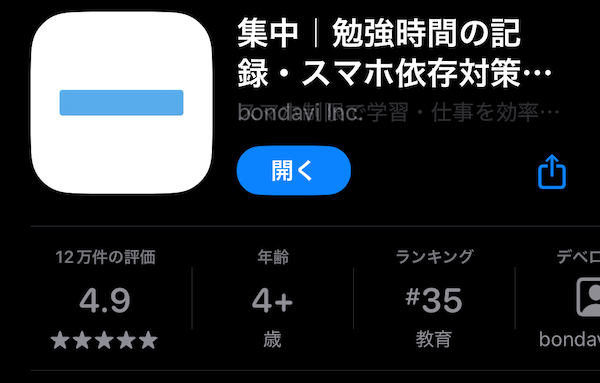
Shuchu — meaning “Focus” in Japanese — is a minimalist study support app designed for those who want to strengthen their focus rather than log every detail.
Key Features
✔ Focus Timer for “Now”
- A simple stopwatch/timer interface for immediate focus.
- Great for setting short bursts like “I’ll focus for 30 minutes.”
✔ Distraction-Free Design
- No unnecessary features or SNS functions.
- Intuitive interface — just tap to start measuring.
- Ideal for people who just want to focus instead of tracking fine details.
✔ Visualize Your Concentration Time
- Automatically records daily total focus time.
- Simple graphs show how long you concentrated each day.
✔ Supports Pomodoro Technique
- Compatible with 25-minute work + 5-minute break cycles.
- Helps build rhythm between focus and rest.
✔ Low Ad Distraction
- Very few ads and a simple paid plan available.
- Built for stress-free, uninterrupted concentration.
Which Type Fits You Best?

There are many study apps, but Studyplus and Shuchu represent two very different approaches.
- If you want to track materials and study duration in detail, and review your progress with charts, Studyplus is ideal.
It visualizes goals and progress, and its community aspect helps maintain motivation — perfect for those who want measurable results and structure. - If you find detailed logging tedious or difficult to maintain, Shuchu offers a simpler alternative.
Just press a button to start focusing, and check your concentration time afterward.
It’s perfect for forming consistent habits without overcomplicating things.